
This is just a short post to say this: it's the little things that matter. It might be the background on your phone, the air freshener scent in your car or just the damn theme toggle switch on your website – more often than not, changing and improving those tiny details can affect not only them, but also the whole experience in general.
I generally try and not fuck around with my website's design too much, but the theme switcher, which was the little thing this time around, was bothering me for quite some time. I'm not sure if it was the reliance on charmap characters, or just how I designed it, but it just... didn't sit right:
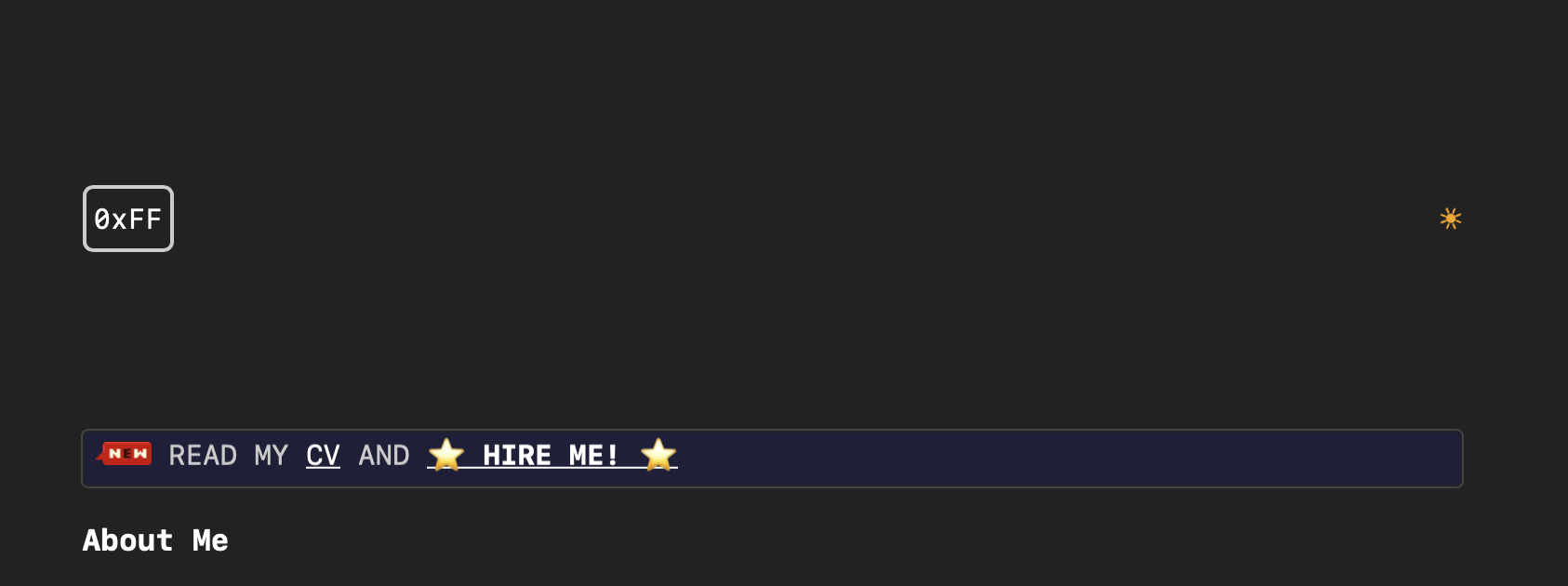
In hindsight, it was most likely the somewhat non-interactive feel of it. You click the sun, the theme changes to light and a moon shows up instead. Simple, yes, but not satisfactory.
So I've decided to upgrade it. The decision was to create a toggle, and while at first I was thinking using form elements (either checkbox or two radio elements), I figured "I already have an anchor element and the JavaScript that handles it, might as well use that".
So I created a simple toggle which is basically background, a fixed size, a border-radius and most importantly an a:after pseudo-element with position: absolute.
You can see the entire construction in the CodePen link at the end.
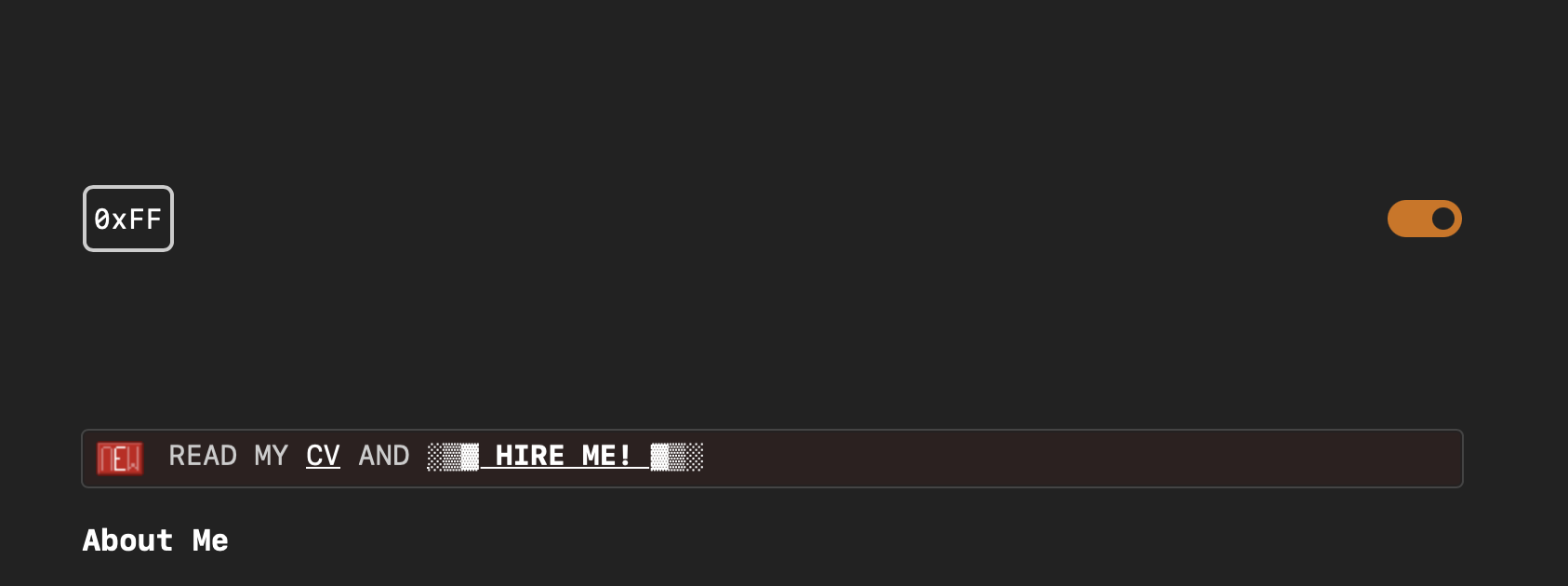
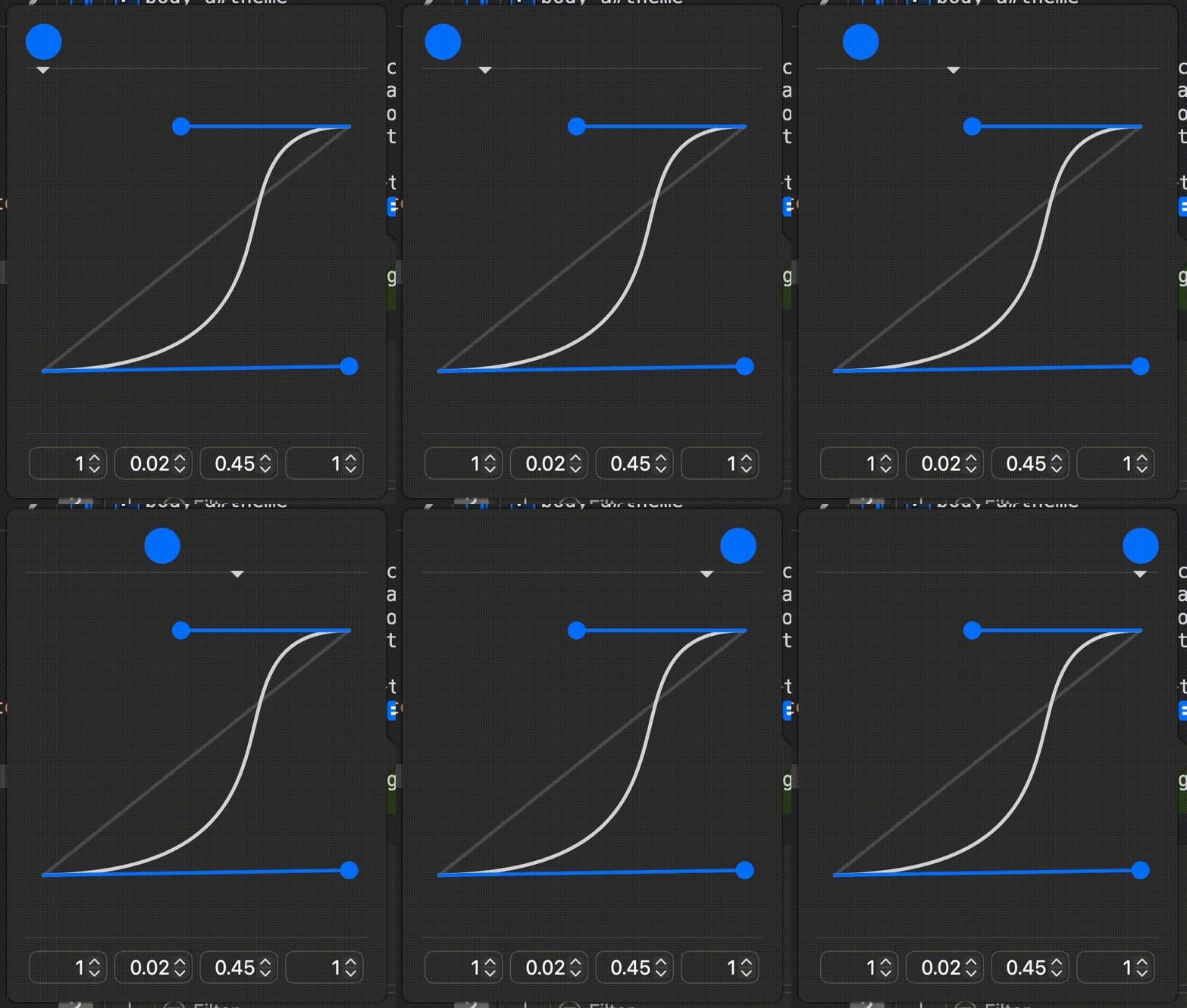
One thing that was important for me, is to make this fake control have some "weight". To do that, I animated the left value in a non-linear fashion, using a cubic-bezier to make the animation slow down and accelerate in a "weighty" manner:
And if you'd like, I also uploaded it to CodePen so you can implement a similar toggle for yourself!
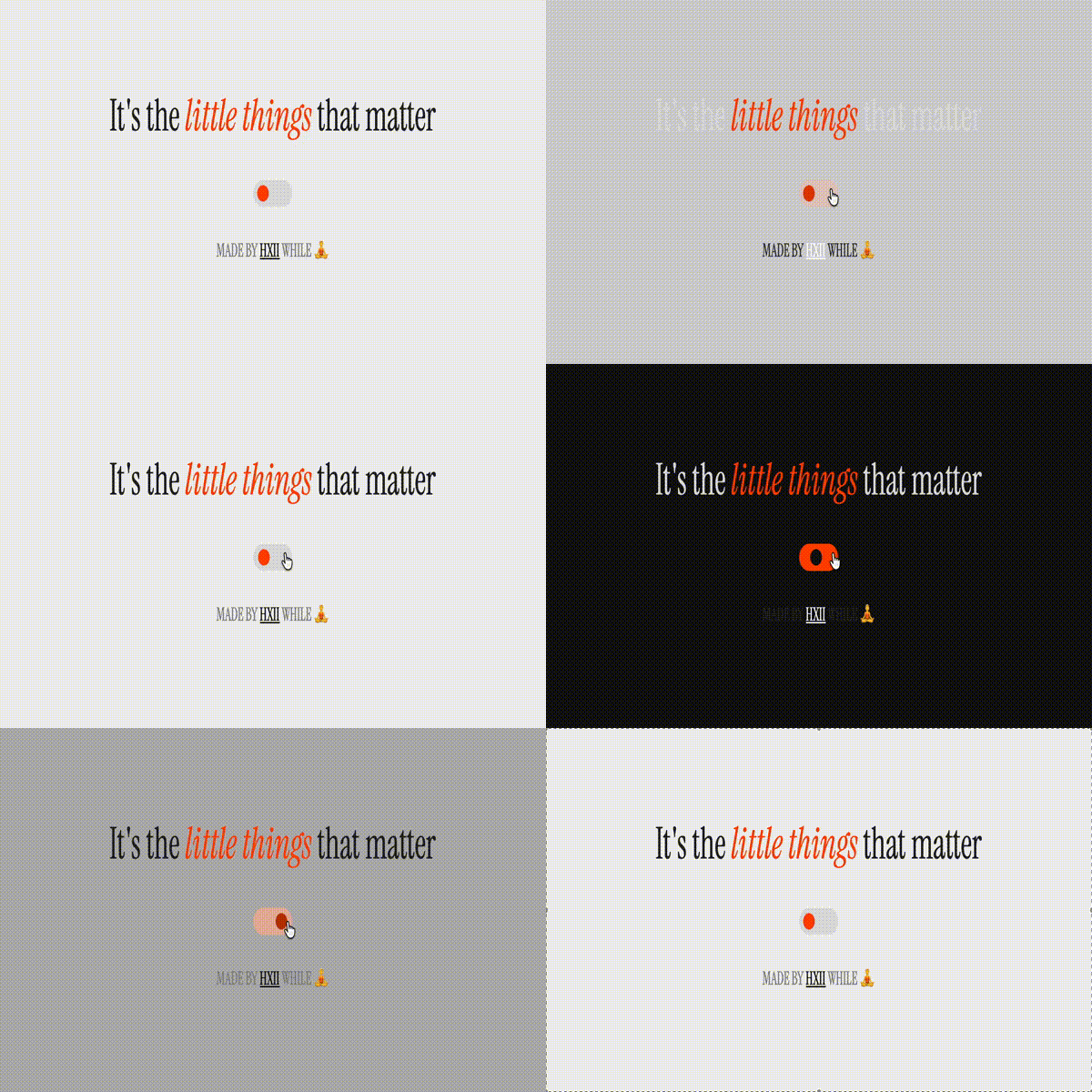
That's it. Small thing, big difference. Even if just for you.